 Home Dashboard
Widgets, reimagined.
Calendar, weather, clock or fitness: you decide what goes on the start screen and how much room it gets.
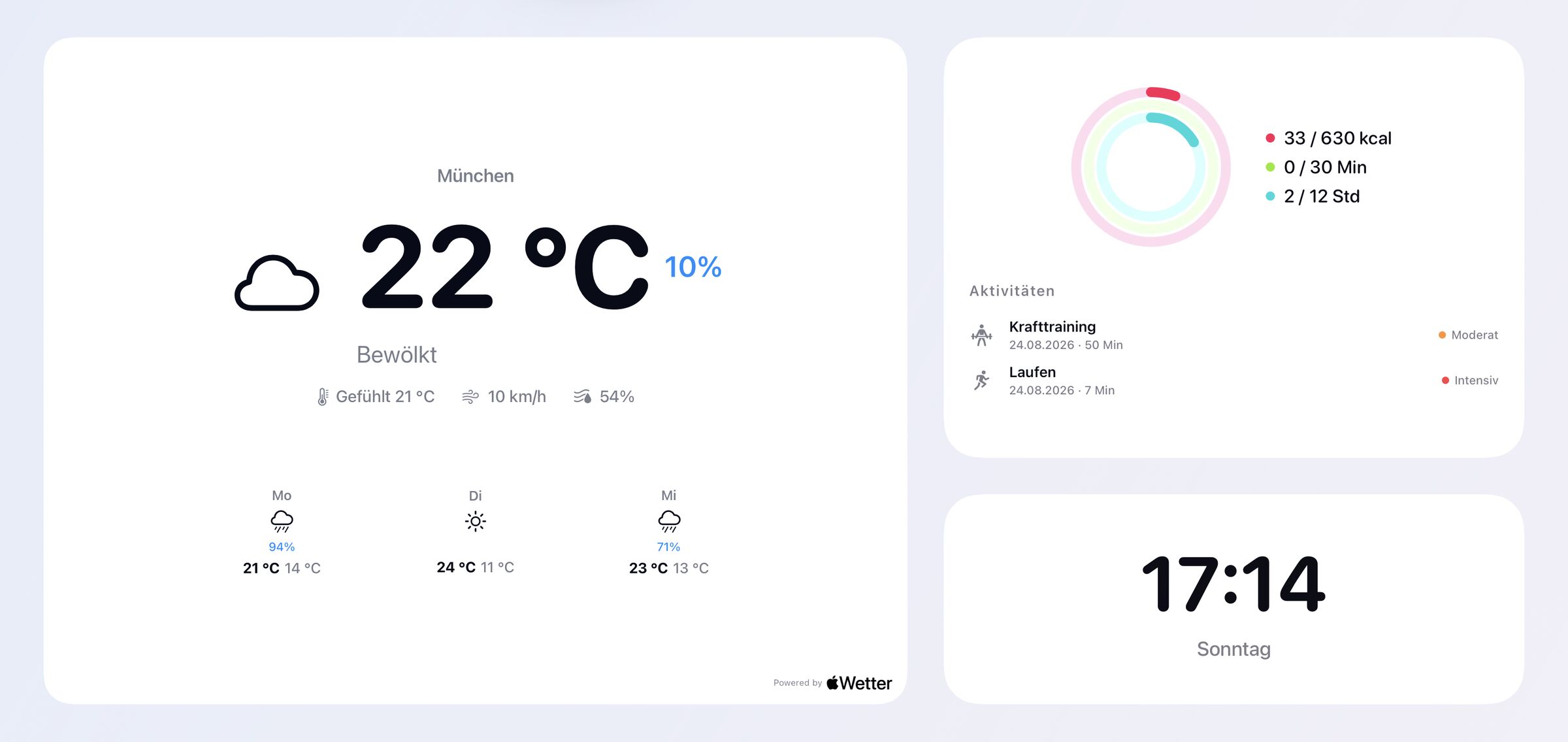
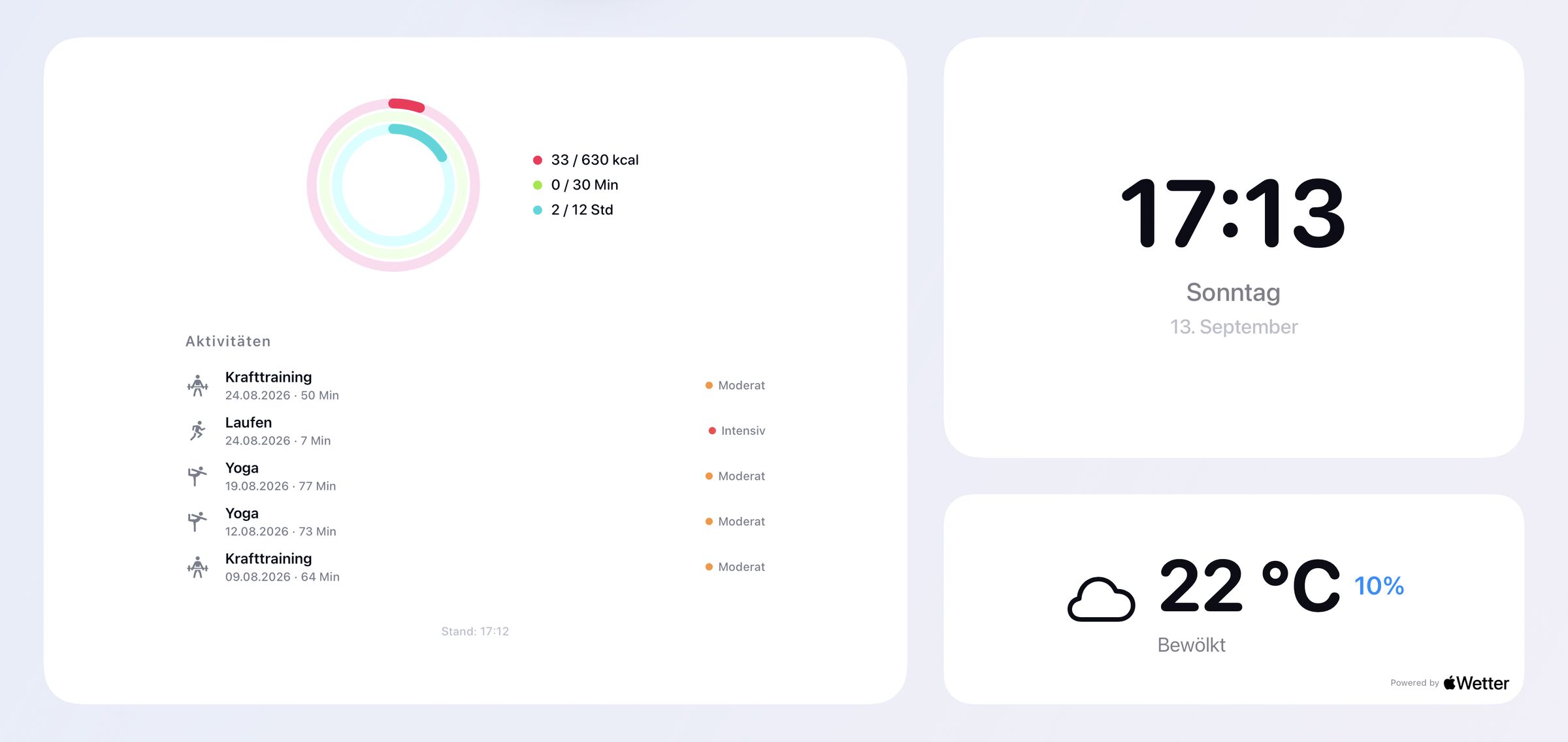
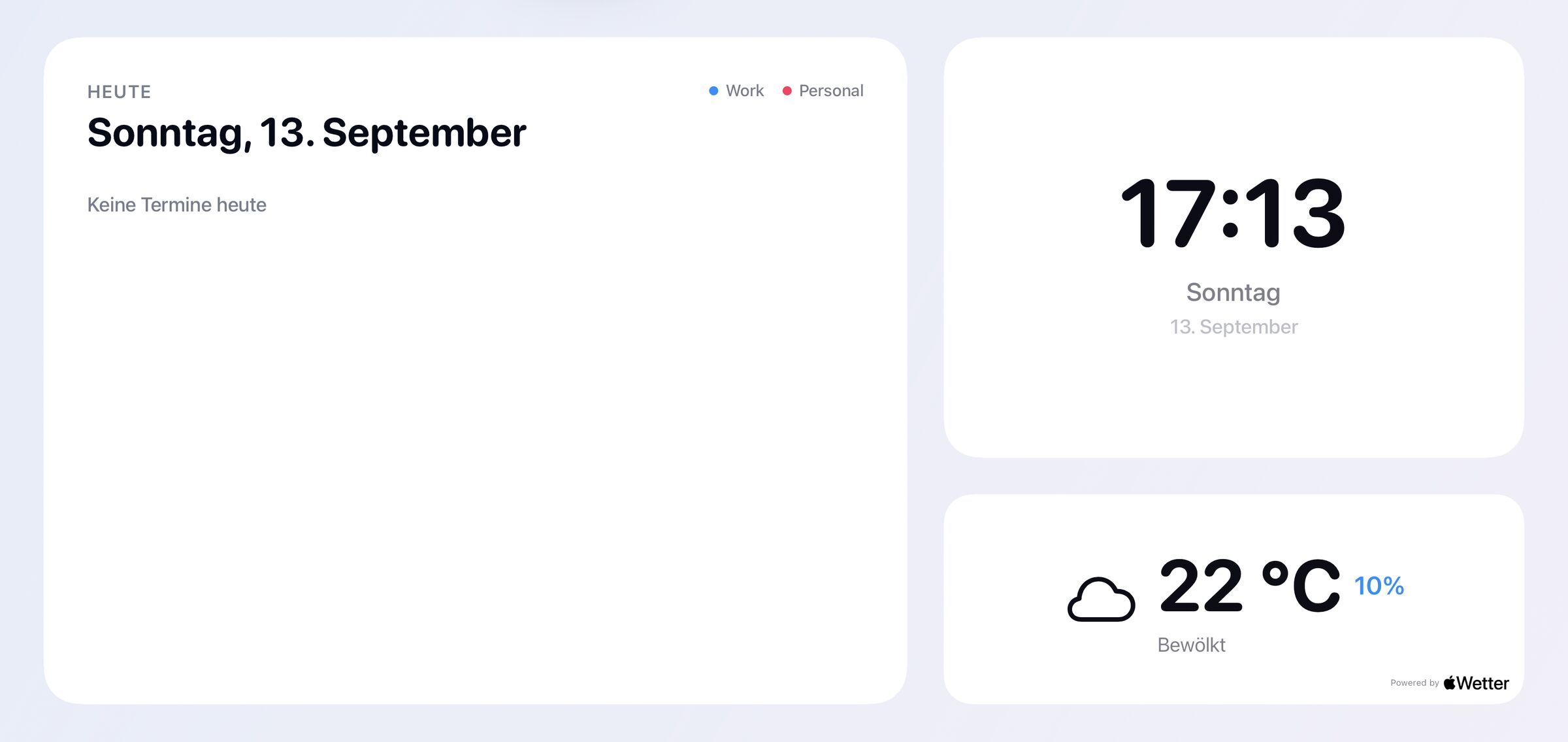
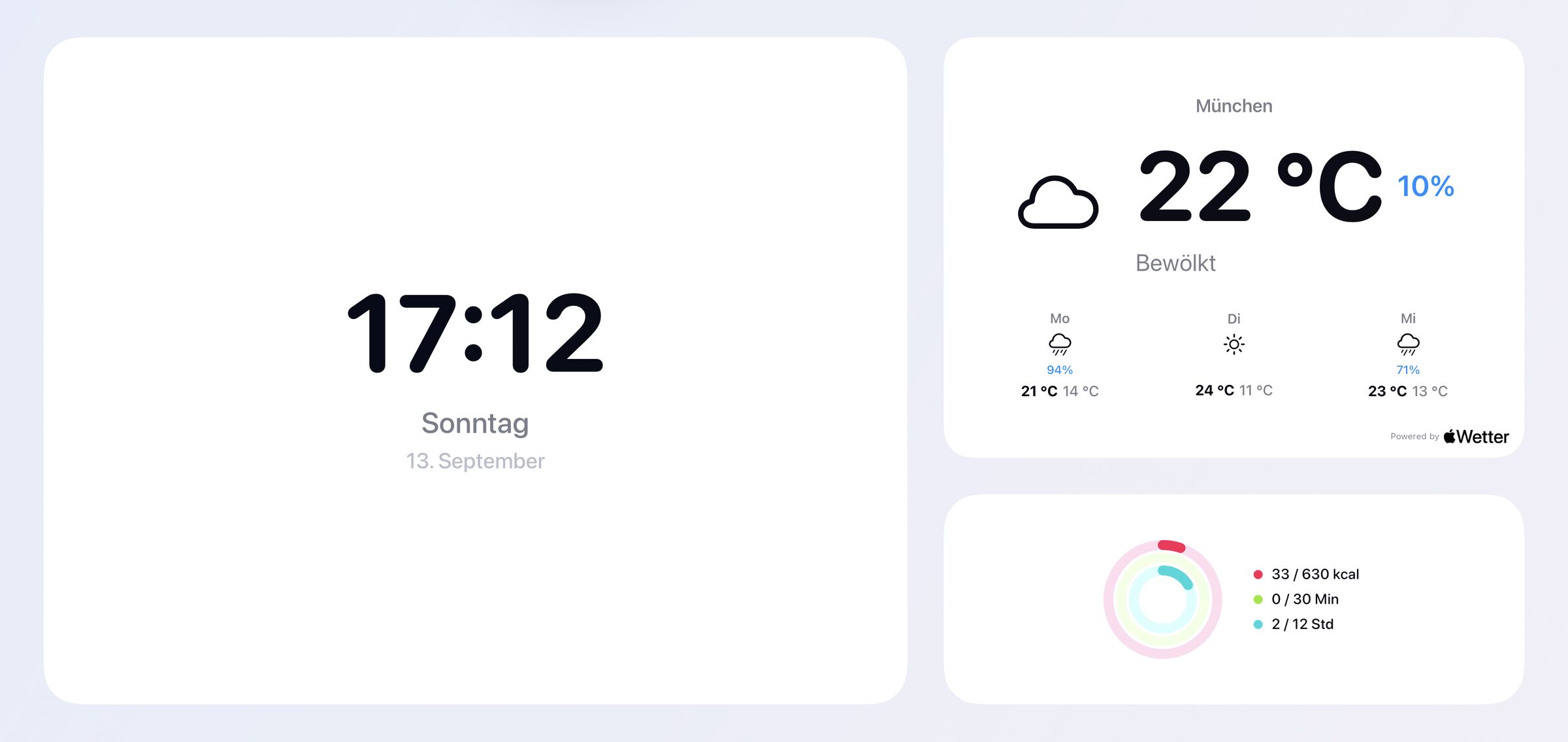
Every workout in detail.
Your rings and recent workouts from Apple Fitness, big on the TV. Open any workout in detail with the remote.
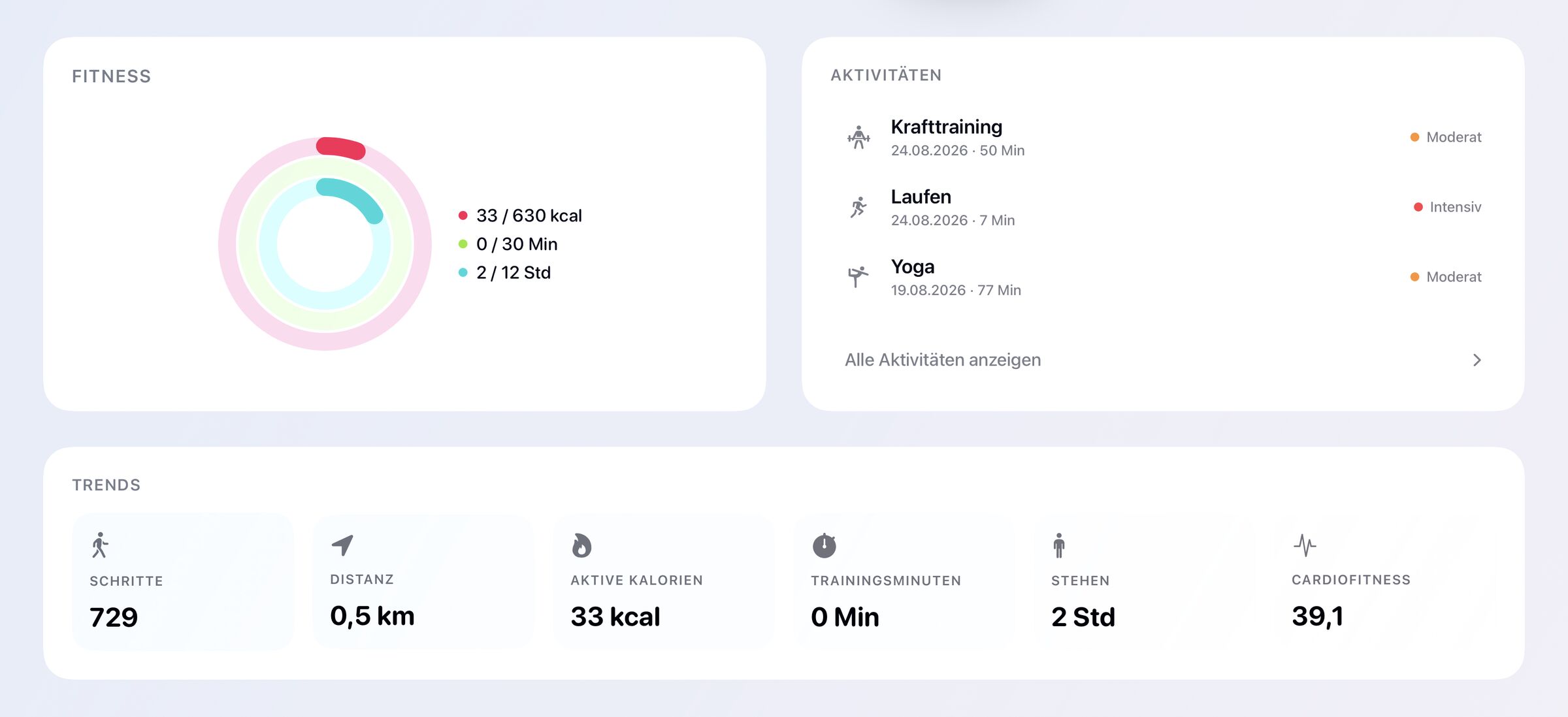
Activity rings
Move, Exercise and Stand against your daily goals. See at once what is left for today.
Recent workouts
Running, strength training, yoga and more, with date, duration and intensity.
Heart rate
Your heart rate across the whole workout, plus the average.
Heart rate zones
How many minutes you spent in each of the five zones.
Route
Outdoor workouts show the route you took on a map.
Trends
Steps, distance, active calories, exercise minutes, stand hours and cardio fitness.
Four views. One remote.
Switch between Start, Weather, Home and Fitness at the top of the screen.
Start
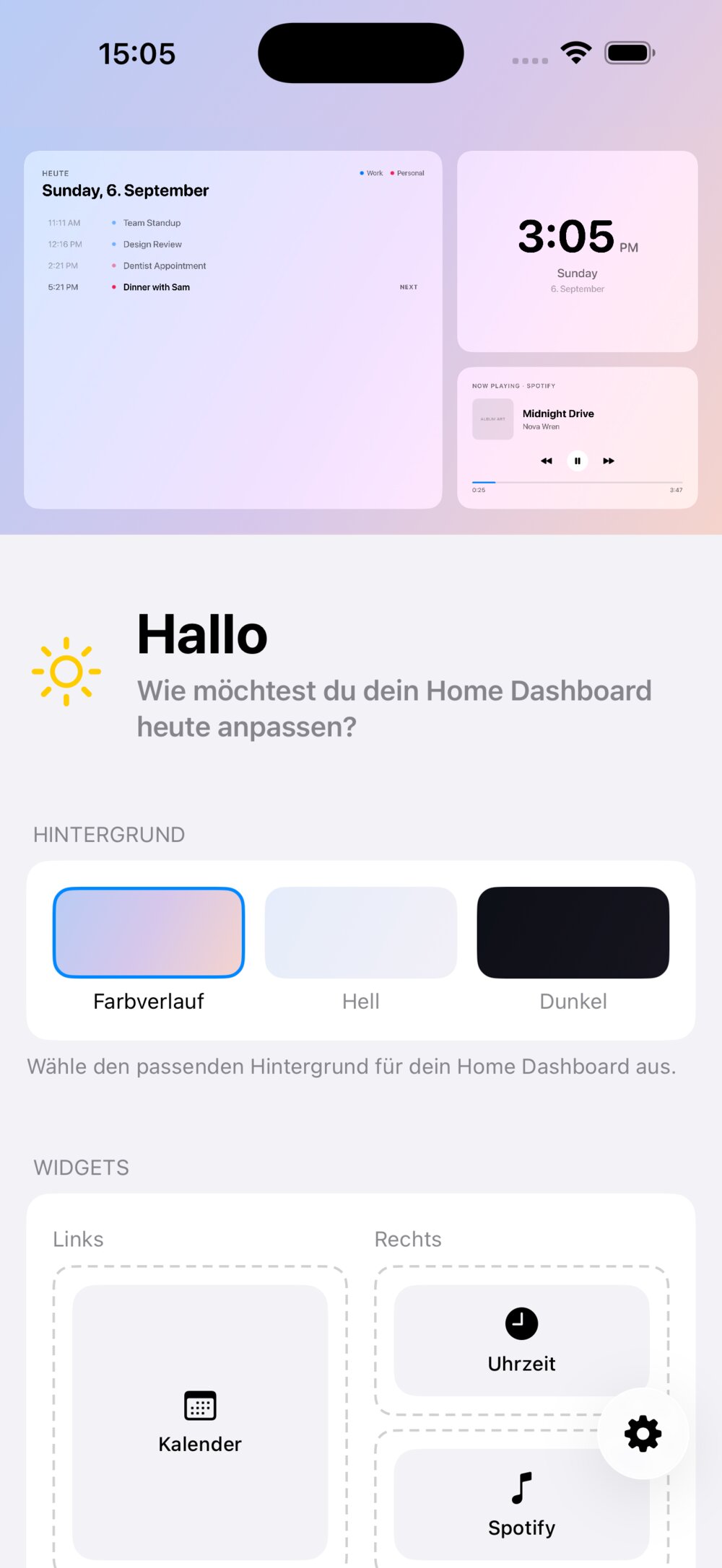
Your personal overview. Combine calendar, weather, clock and fitness, and choose which widget appears large. Light, dark or with a gradient.
Weather
Current conditions for your location with feels-like temperature, wind and humidity. Plus the next hours and a seven-day forecast with chance of rain.
Home
Your HomeKit accessories, sorted by room. See at a glance what is on, and switch lights and outlets right from the remote.
Fitness
Rings, trends and your recent workouts from Apple Fitness. Every workout opens with heart rate, zones and route.
Set up on iPhone.
Dashboard Setup shows your real dashboard at the top. Whatever you change below appears right away, and on Apple TV moments later.
- Download Dashboard Setup on your iPhone.
- Choose calendars, location and widgets, and pick a background.
- Install Home Dashboard on Apple TV, signed in with the same Apple Account.
- Done. Your settings are already there.
Private in your iCloud.
Events, places, health data and accessory states stay between your devices and Apple. No third-party server, no account, no ads.